
Web browsing, email, shopping, video calls and streaming. Prioritise reliability, a comfortable screen and enough SSD storage rather than maximum processing power.
TECHDUSTRY BUYING ADVICE
Laptop Buying Guide
Choosing a laptop is easier when you know which specifications actually matter. For most buyers, start with the processor, RAM, SSD storage, screen and battery life, then match those specifications to how you work, study, browse, create or play. This guide explains each choice in plain English.
START WITH WHAT YOU DO
Which type of laptop is right for you?
Before comparing model numbers, think about your normal workload. A laptop for email and web browsing needs very different hardware from one used for large spreadsheets, video editing or gaming.
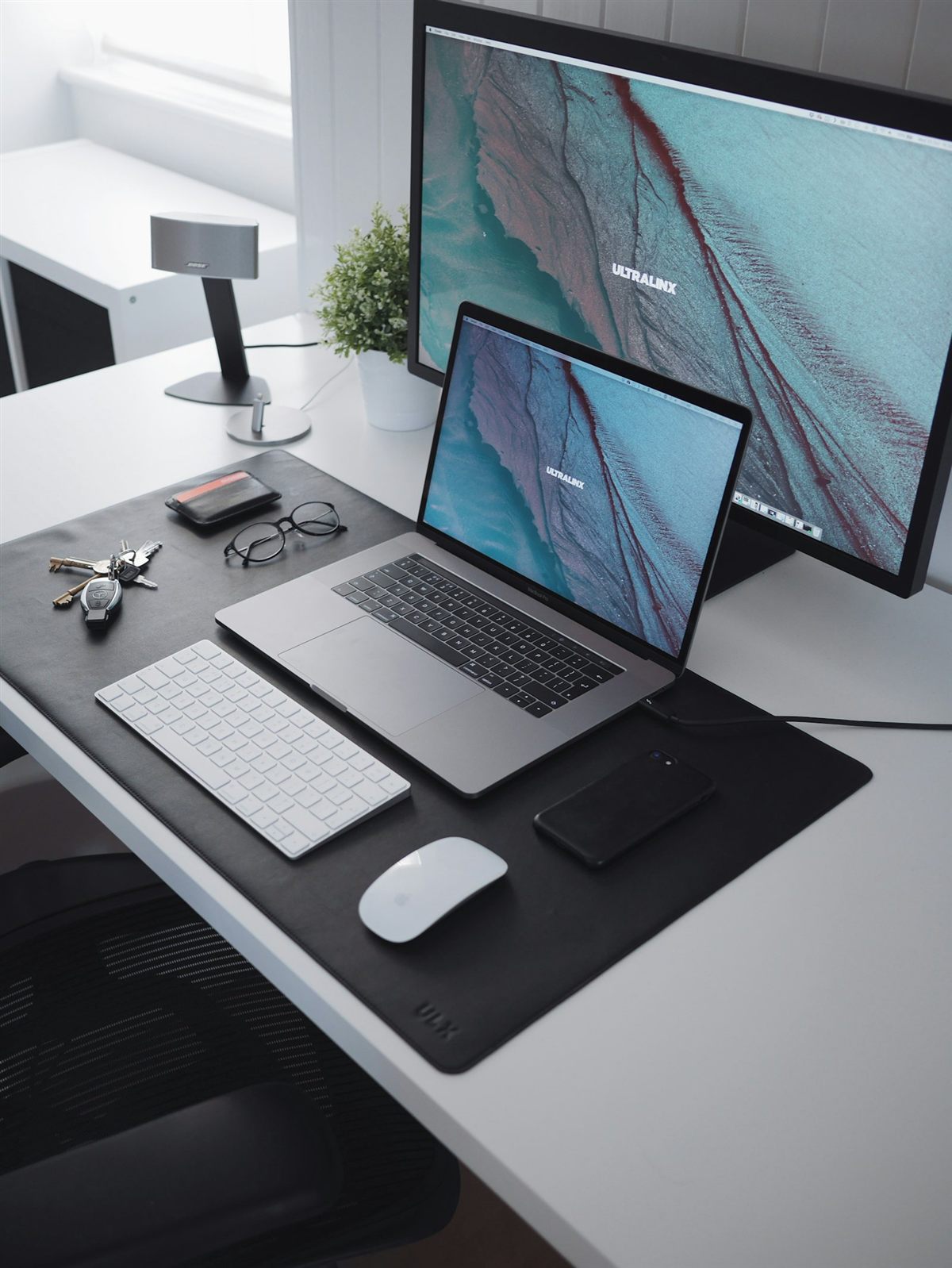
Look for good battery life, a comfortable keyboard, 16GB RAM where budget allows, and enough ports for monitors, storage or accessories.
Photo, video, CAD, coding and content creation benefit from more RAM, faster processors, higher-resolution displays and, for some software, dedicated graphics.
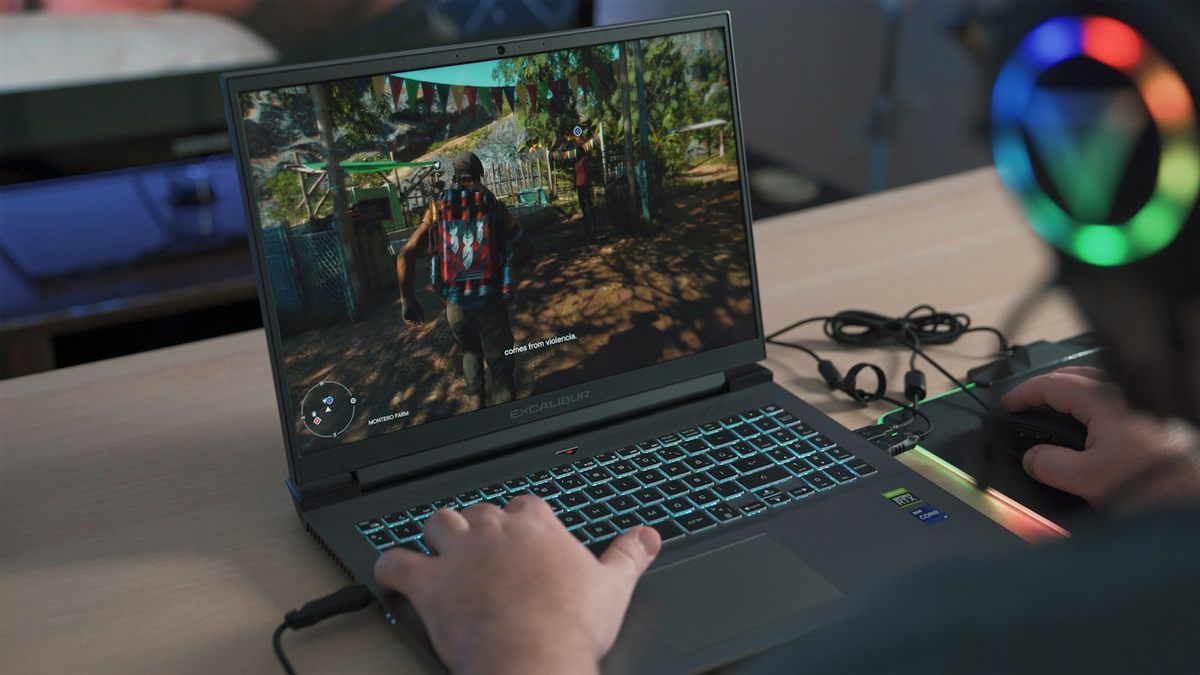
Games place more demand on the graphics processor and cooling system. A higher-refresh-rate display and a dedicated GPU can make a substantial difference.
THE CORE SPECIFICATIONS
The numbers that make the biggest difference
You do not need to understand every technical term. Concentrate on the processor, memory, storage and screen first. These are the specifications that most often determine how responsive a laptop feels and how long it remains useful.
Processor (CPU)
The processor is the laptop's main engine. Entry-level chips are fine for simple tasks, while stronger Intel Core, AMD Ryzen and Apple silicon processors handle heavier multitasking and demanding applications more comfortably.
More demanding work = stronger CPURAM / memory
RAM holds the information your open apps are actively using. 8GB can handle light everyday use; 16GB is a sensible target for most buyers; 32GB or more is useful for heavier creative and professional workloads.
16GB is a strong all-round choiceSSD storage
An SSD stores Windows or macOS, programs and your files. 256GB can be enough for light use, 512GB gives more breathing room, and 1TB or more is better for large media libraries, games or project files.
Choose SSD, not an old mechanical driveGraphics (GPU)
Integrated graphics are suitable for office work, streaming and everyday use. Gaming, 3D work and some creative applications can benefit from a dedicated NVIDIA or AMD graphics processor.
Important for gaming & 3DSCREEN & DISPLAY
Size, resolution and refresh rate
The display affects both comfort and portability. A larger or sharper display can be valuable, but it can also make the laptop bigger, heavier and potentially more power-hungry.
| What to check | What it means | Practical advice |
|---|---|---|
| Screen size | Measured diagonally in inches. | 13–14" is highly portable; 14–16" is a popular all-round range; larger screens suit people who value workspace over portability. |
| Resolution | The number of pixels used to create the picture. | Higher resolutions make text and images look sharper. Full HD/1920×1080 or better is a comfortable target for many buyers, while creative work may benefit from even higher resolutions. |
| Panel type | Technologies such as IPS and OLED affect contrast, viewing angles and colour. | IPS is a good all-round choice. OLED can deliver excellent contrast and vivid colour, particularly for media and creative use. |
| Refresh rate | How many times per second the display can redraw the image. | 60Hz is fine for general work. Higher refresh rates such as 120Hz or 144Hz can look smoother and are particularly useful for fast-paced games. |
BATTERY, PORTS & PORTABILITY
Think about how and where you will use it
Battery figures are useful for comparison, but real battery life changes with screen brightness, video streaming, gaming and other demanding tasks. If you work away from a plug socket, battery condition and efficiency matter just as much as raw performance.
Battery life
Manufacturers quote estimates under specific test conditions. Treat them as a guide. Light office work normally consumes less power than gaming, video editing or sustained high-performance workloads.
USB & USB-C
Check that you have enough ports for your existing accessories. USB-C can carry data, video and, on compatible laptops, charging through the same connector.
HDMI / display output
Useful if you want to connect a TV or monitor. Some thin laptops use USB-C or Thunderbolt instead of a full-size HDMI socket.
Thunderbolt
Available on selected laptops, Thunderbolt provides high-speed data and display connectivity and can support docks, monitors and fast external storage.

OPERATING SYSTEM
Windows, macOS, Chromebook or 2-in-1?
The operating system changes the way the laptop feels and which software it can run. Choose around the apps, accessories and other devices you already use.
Windows laptops
Windows offers the broadest choice of laptop brands, sizes and price points. It is familiar to many home and business users and supports a very wide range of software, peripherals and games.
MacBooks
MacBooks run macOS and are particularly attractive to people already using iPhone, iPad or other Apple services. Apple silicon models combine strong performance with efficient power use.
Chromebooks & 2-in-1s
Chromebooks focus heavily on browser and cloud-based work and can suit straightforward study or everyday use. A 2-in-1 combines laptop and tablet-style operation using a folding or detachable touchscreen design.
What about AI PCs?
Newer laptops increasingly include hardware designed to accelerate AI features. Treat AI capability as an extra feature rather than the first specification to choose: processor, RAM, storage, screen and battery still determine most day-to-day usability.
A QUICK SHORTLIST
Simple specification targets
There is no single perfect specification, but these starting points make it easier to narrow your search.
| Use | Good starting point |
|---|---|
| Basic home use | Modern entry-level processor, 8GB RAM, 256GB SSD, 13–15.6" display. |
| General work / study | Intel Core or AMD Ryzen class processor, 16GB RAM, 512GB SSD, good battery life. |
| Power user / creative | Stronger multi-core CPU, 16–32GB RAM, 512GB–1TB SSD, high-quality display; dedicated graphics where the software benefits. |
| Gaming | Recent higher-performance CPU, 16GB+ RAM, dedicated GPU, 512GB–1TB SSD, higher-refresh-rate display. |
LAPTOP FAQ
Common questions before you buy
These are the points we most often recommend checking before choosing a laptop.
What are the most important laptop specifications?
Start with the processor, RAM, SSD storage and screen. If you are buying for gaming, CAD, 3D or some creative software, check the graphics processor as well.
How much RAM do I need?
For a modern laptop, 8GB is workable for light use and 16GB is the safer all-round choice. Heavy creative, engineering, virtual-machine or professional workloads may justify 32GB or more.
How much storage should I buy?
256GB is enough for light cloud-focused use, 512GB suits many people comfortably, and 1TB or more is sensible if you keep large games, videos, photographs or project files locally.
What screen size should I choose?
13–14" is convenient for frequent travel, 14–16" balances portability and screen space, and larger displays are useful when portability is less important.
Is a 2-in-1 laptop worth it?
A 2-in-1 can be useful if you want touch input, note-taking or tablet-style use. The trade-off is that traditional clamshell laptops can sometimes offer more choice or performance for the same budget.
How much battery life do I need?
If you regularly work away from power, prioritise a model with strong real-world battery performance. Remember that gaming, high brightness and demanding applications reduce battery life much faster than basic document work.
Which ports should I look for?
Check your own accessories first. USB-A is useful for many existing devices, USB-C is increasingly important, HDMI is convenient for monitors and TVs, and Thunderbolt can support fast storage, docks and displays on compatible laptops.
Windows laptop or MacBook?
Choose Windows if you want the widest hardware and software compatibility. Choose a MacBook if you prefer macOS and Apple integration. The best option is the one that supports the software and workflow you actually use.
What makes a good used laptop?
Beyond the specification, check overall condition, battery health, keyboard, screen, ports, charger and storage health. Techdustry laptops are fully checked, with free setup available if required. Warranty coverage varies by individual laptop, so check the eBay listing for the exact warranty details.
Can Techdustry help me choose?
Yes. If you are unsure about a particular model, call or message us with what you use the laptop for and your budget. We can help you narrow down the most suitable options from the current store stock.
Ready to see what is available?
Return to the live Laptop Store to compare current Windows laptops and MacBooks. Each item links to its full eBay listing for photos, condition details and secure checkout.
Need help after you buy? See our Home IT Support or Small Business IT Support.