

SSD upgrades
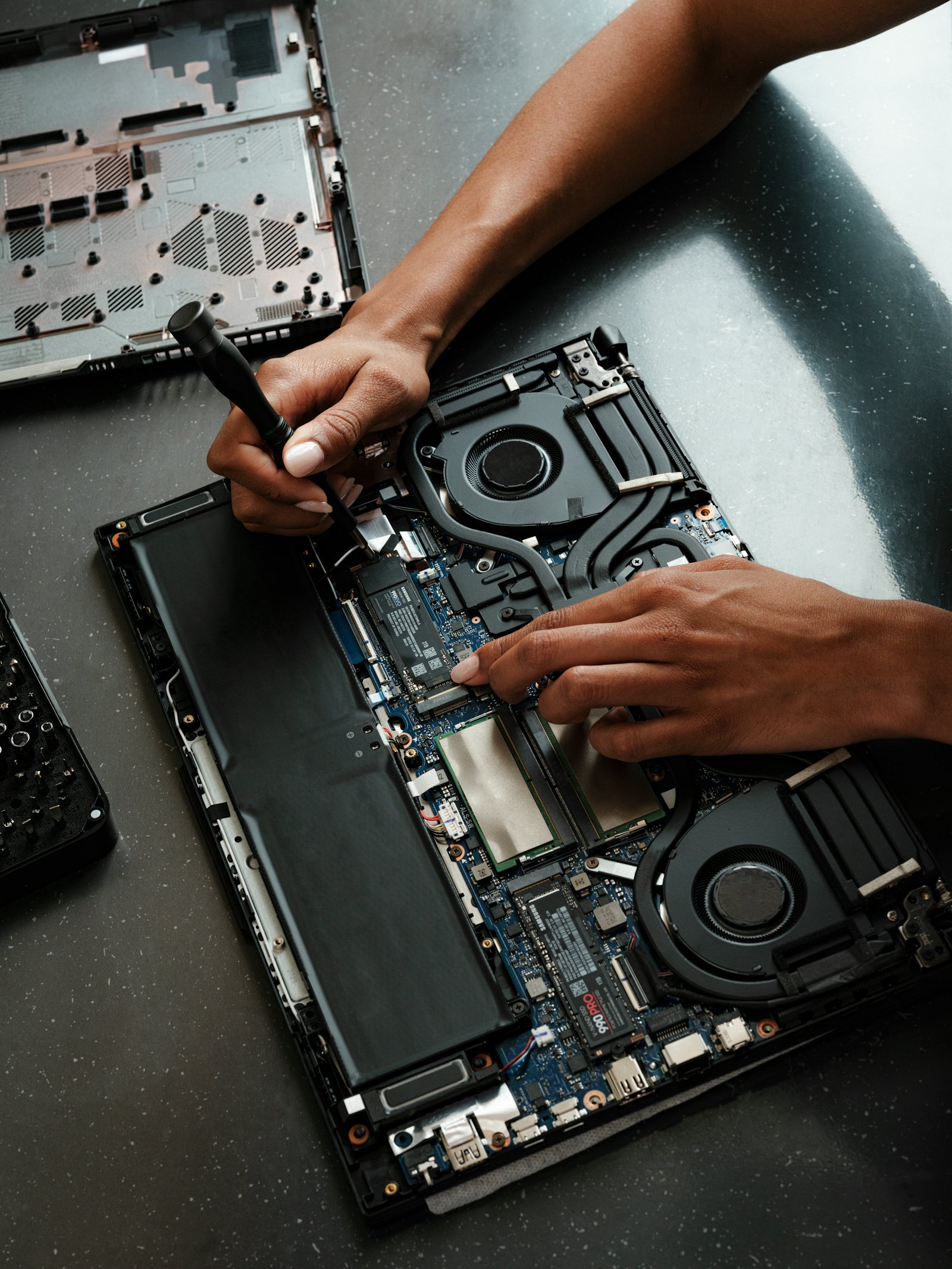
Replace a slow mechanical drive or upgrade storage where compatible, with advice on the right type and capacity for the computer.
SSD, RAM and sensible performance upgrades for desktops and laptops — with compatibility checks first, so you only spend money where it will make a real difference.
QUICK ANSWER
An SSD upgrade can transform an older computer that still uses a mechanical hard drive, while extra RAM can help systems that run out of memory during everyday work. I check compatibility and the likely benefit before recommending parts.
COMMON PROBLEMS
Clear diagnosis first, then the simplest sensible fix or next step.
Replace a slow mechanical drive or upgrade storage where compatible, with advice on the right type and capacity for the computer.
Check supported memory type and capacity, then add RAM where it will genuinely improve multitasking or application performance.
Assess upgrade options for supported laptops, where access, compatibility and manufacturer design allow it.
Improve compatible desktop PCs with storage, memory and other sensible components based on how the computer is used.
Where appropriate, help move your existing files and configure the upgraded system so it is ready to use.
If upgrading an old PC is poor value, I will say so and explain when replacement makes more sense.
HOW I WORK
WHAT HAPPENS NEXT
Explain what is happening in your own words. You do not need to know the technical cause.
I check the likely causes in a sensible order and explain what I find in plain English.
Where practical I fix it on-site. If parts or extra work are needed, you get the options before proceeding.
LOCAL SUPPORT
Based in Woodley and providing on-site IT support across Reading, Earley, Lower Earley, Winnersh, Wokingham, Caversham and nearby areas. Same-day or next-day appointments are available where possible.
Check availabilityCLEAR PRICING
Diagnosis, troubleshooting, setup or repair time.
Only when more time is needed and agreed.
QUESTIONS ANSWERED
If the computer still uses a mechanical hard drive, an SSD can make startup, loading and general responsiveness much faster. The improvement depends on the rest of the system.
It depends on what you do. For many everyday Windows systems, 16GB is a comfortable target, but compatibility and workload should be checked before upgrading.
No. Some modern laptops have soldered memory or storage limitations. I can check the exact model before recommending parts.
In many cases, yes. The best method depends on the condition of the old drive and the way the computer is currently configured.
Sometimes. If the processor, battery, screen or other major components are also near the end of their useful life, replacement may be better value.
Support time starts at £75 for the first hour with no call-out charge. Parts are quoted separately before they are purchased or fitted.
NEED HELP?
I’ll help you work out the sensible next step.